CASE STUDY / PORTFOLIO SYSTEM
Design SystemFRAMERREACT
01 / SYSTEM SNAPSHOT

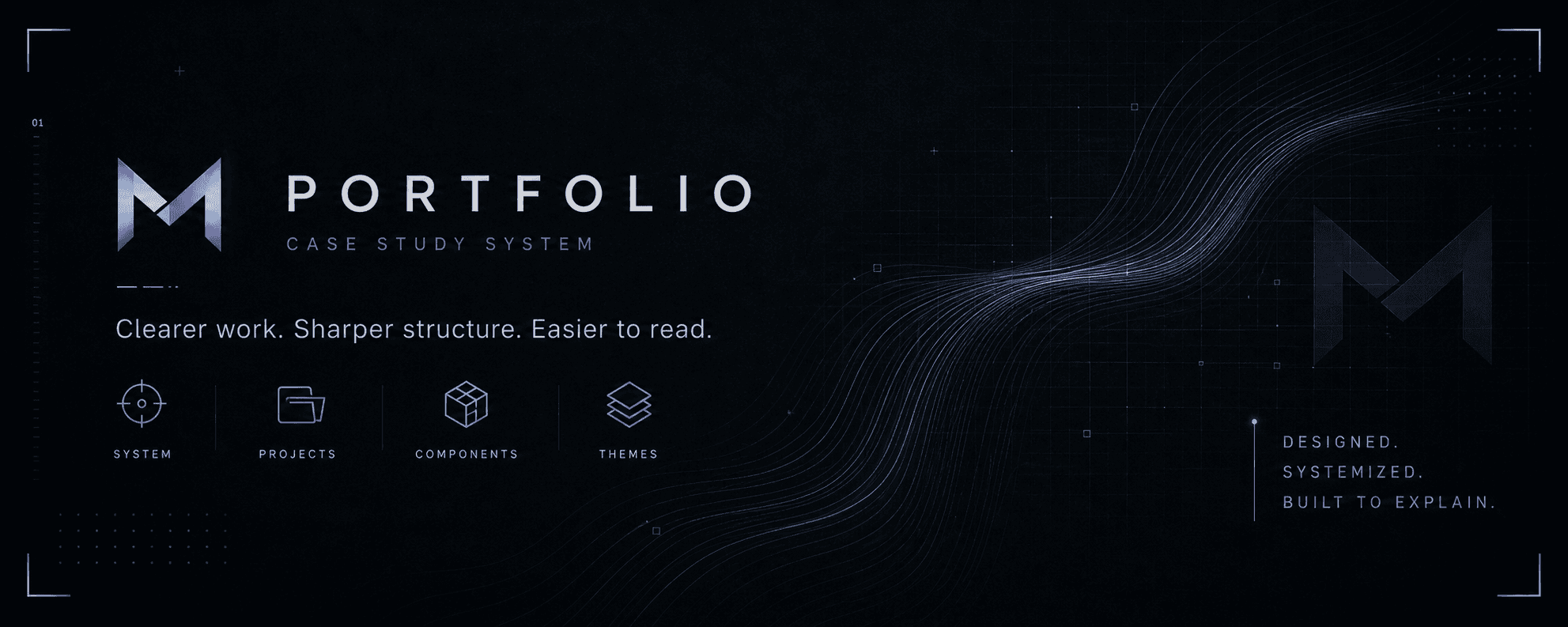
Portfolio System

A case-study shell, component registry, and visual language built to make my work easier to read.

28+
Reusable Modules

Shared sections, cards, rails, terminals, and layout blocks.
100%
Custom case-study shell

Built around my own project structure, not a template.

~3x
Faster page iteration

New case studies can start from the same system instead of a blank page

02 / PRODUCT THESIS

A CV felt too flat.

My work was starting to sit between product thinking, systems, UI, and AI workflows. A normal portfolio grid flattened that. So I treated the portfolio itself like a product: structured enough to guide the reader, flexible enough to hold different kinds of work.
01

Built as a system

Shared blocks, patterns and tokens across the portfolio

02

Designed for reuse

Case studies can be assembled from modular components instead of rebuilt from scratch.

03

Engineering Friendly

Typed props, predictable variants, and Framer controls keep the system editable.

04

Built to Evolve

New Pages and Project Formats can plug into the structure without breaking it.

03 / SYSTEM ARCHITECTURE

A pipeline for content, logic, and presentation.

Everything flows through the same structure: raw project context becomes readable narrative, reusable UI, and publishable Framer pages.
MAP / SYSTEM ARCHITECTURE

Portfolio as product system

LEGIBILITY LAYER
04 / COMPONENT REGISTRY

Reusable parts. Loaded once, used everywhere.

The portfolio system is assembled from shared components that handle framing, navigation, explanation, and reflection across case studies.
COMPONENT REGISTRY / DRIVER MANIFEST

Reusable components loaded into the portfolio system.

8 MODULES VERIFIED
05 / DESIGN PHILOSOPHY

Not official. Personal.

The portfolio needed to feel authored, not generated. The visual system became a way to make the work legible while still showing the taste, curiosity, and atmosphere behind it.
SIGNAL LOG / DESIGN PHILOSOPHY

Personal mode enabled.

AUTHORSHIP SIGNAL
>

I wanted the portfolio to feel authored, even if that meant making it a little less official.

06 / SYSTEM DECISIONS

Intentional choices for clarity and scale.

The portfolio needed to feel distinctive without becoming decorative. These decisions keep the system readable, reusable, and flexible enough to support different kinds of work.
SURFACE01

Dark by default

Reduces visual noise and keeps attention on structure, screenshots, and system signals.

IDENTITY02

Purple as system language

Primary Purple carries the interface identity; pink appears only as a highlight.

TYPOGRAPHY03

Type as hierarchy

Space Grotesk gives headings weight. JetBrains Mono makes labels, metadata, and logs feel precise.

TOKENS04

Token driven

Colors, borders, panels, and text states are exposed through Framer controls.

REUSE05

Reusable over bespoke

Pages share a recognizable shell while still allowing each case study to feel specific.

LEGIBILITY06

Legibility first

The system exists to make varied work easier to understand, not just more stylized.

07 / LEARNING LOG

The system taught me how I want to build.

Building the portfolio as a product system changed the way I think about presentation, tools, taste, and reuse. The useful lesson was not just how to make it look different, but how to make complex work easier to understand.
~/portfolio-os/learning-log.md
READ ONLY

mrinal@portfolio:~$ cd portfolio-os

mrinal@portfolio:~/portfolio-os$ less learning-log.md

LOG 01

Legibility is a design problem

The hard part was not listing projects. It was turning different kinds of work into a structure people could scan, compare, and remember.

LOG 02

Taste needs a system

The cyberpunk direction only worked once it became rules: tokens, type, spacing, borders, glow, and reusable interaction patterns.

LOG 03

Tools shape thinking

Learning Framer made the portfolio more modular. Code components, controls, and variants helped turn visual ideas into reusable product surfaces.

LOG 04

Reuse creates clarity

Shared components made the portfolio feel consistent without making every case study identical. The system gave each project a common language.

The portfolio is not just where the work lives. It is the system that makes the work legible.

SYSTEM STATUS :OPERATIONAL